To send 1000 or more WhatsApp messages at once safely, use the official WhatsApp Business API instead of bulk sender tools. Upload your opted-in contacts, get a message template approved by Meta, and send it as a broadcast campaign. Personalise the message, keep it relevant and give an easy way to stop messages, so your quality rating stays high and your sending limit grows.
Many businesses try cheap "bulk WhatsApp sender" software or browser extensions. They work for a few days, and then the number gets blocked. WhatsApp actively detects mass messages sent from the normal app. The safe way to message thousands of customers is the official WhatsApp Business API.
Why bulk sender tools get you banned
- They automate the normal WhatsApp app, which breaks WhatsApp's terms.
- Messages go to people who never agreed to hear from you, so many block or report you.
- WhatsApp spots the pattern and restricts or bans the number, often permanently.
The official way, step by step
- Get WhatsApp Business API through a Meta Business Partner such as AiZapy.
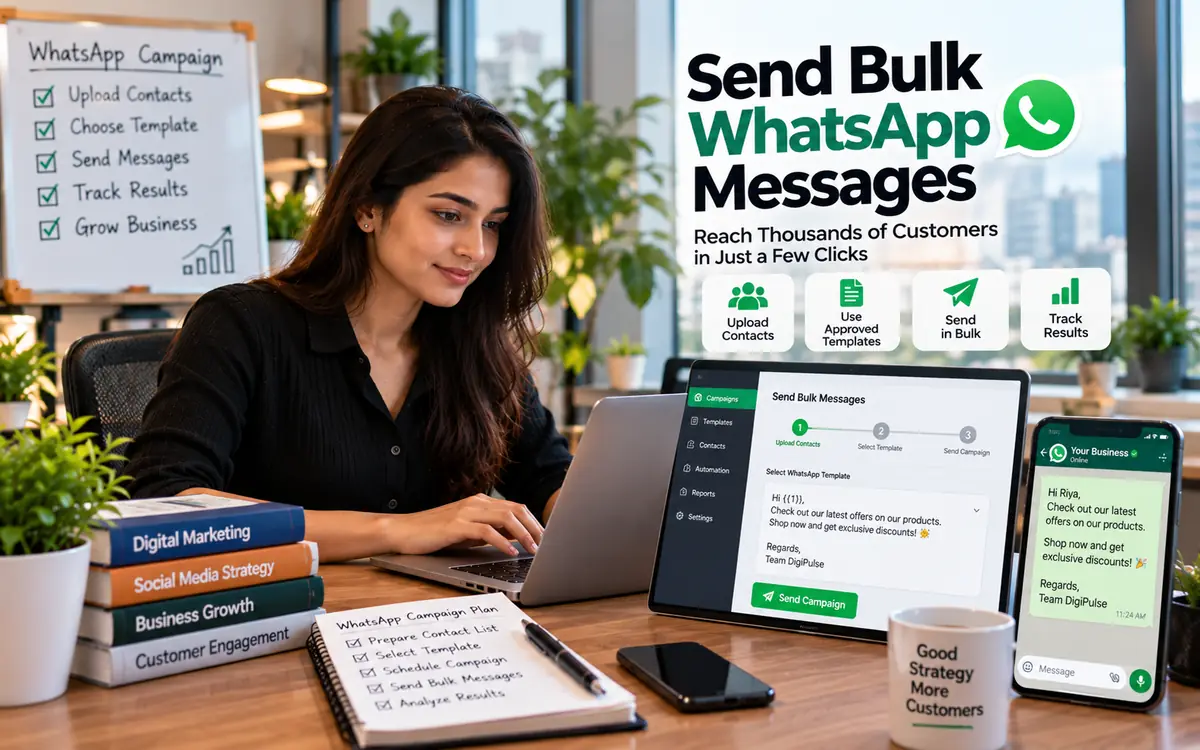
- Import your contacts from Excel or Google Sheets. Only include people who have opted in.
- Create a template. Write your message with variables like the customer's name, add an image or button, and submit it for Meta approval. Most templates are approved within minutes.
- Create a broadcast campaign. Choose the audience, pick the template and send now or schedule it.
- Track results. See sent, delivered, read and replied numbers, and follow up with people who clicked.
Understand your daily sending limit
Meta gives every number a daily limit on how many different customers it can start conversations with. New numbers start low and the limit grows automatically as you send good-quality messages and complete business verification. A high quality rating is the key to reaching lakhs of customers.
Tips to keep your quality rating high
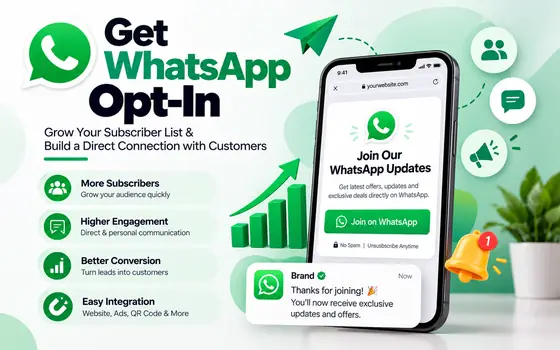
- Message only opted-in customers. See our guide on getting WhatsApp opt-in.
- Use the customer's name and keep the message short and useful.
- Do not send the same offer every day. Two to four campaigns a month is a good start.
- Add a quick reply button such as "Stop offers" so unhappy users opt out instead of blocking you.
- Segment your list by interest, city or past purchase.
What does it cost?
You pay a platform fee plus a per-message charge set by category. On AiZapy marketing messages are ₹1.05 each plus GST, and broadcasts are included on every plan. See pricing.